Integrationv1.8.0
WhatsApp Templates
Create and submit WhatsApp message templates without leaving the inbox.

What's New
Draft a template, preview it on a phone mockup and submit it to WhatsApp for approval. Status updates land right in the inbox.
How It Works
-
Open WhatsApp Templates
Find WhatsApp Templates in your workspace settings.
-
Turn it on
Flip the switch. It applies to your workspace straight away.
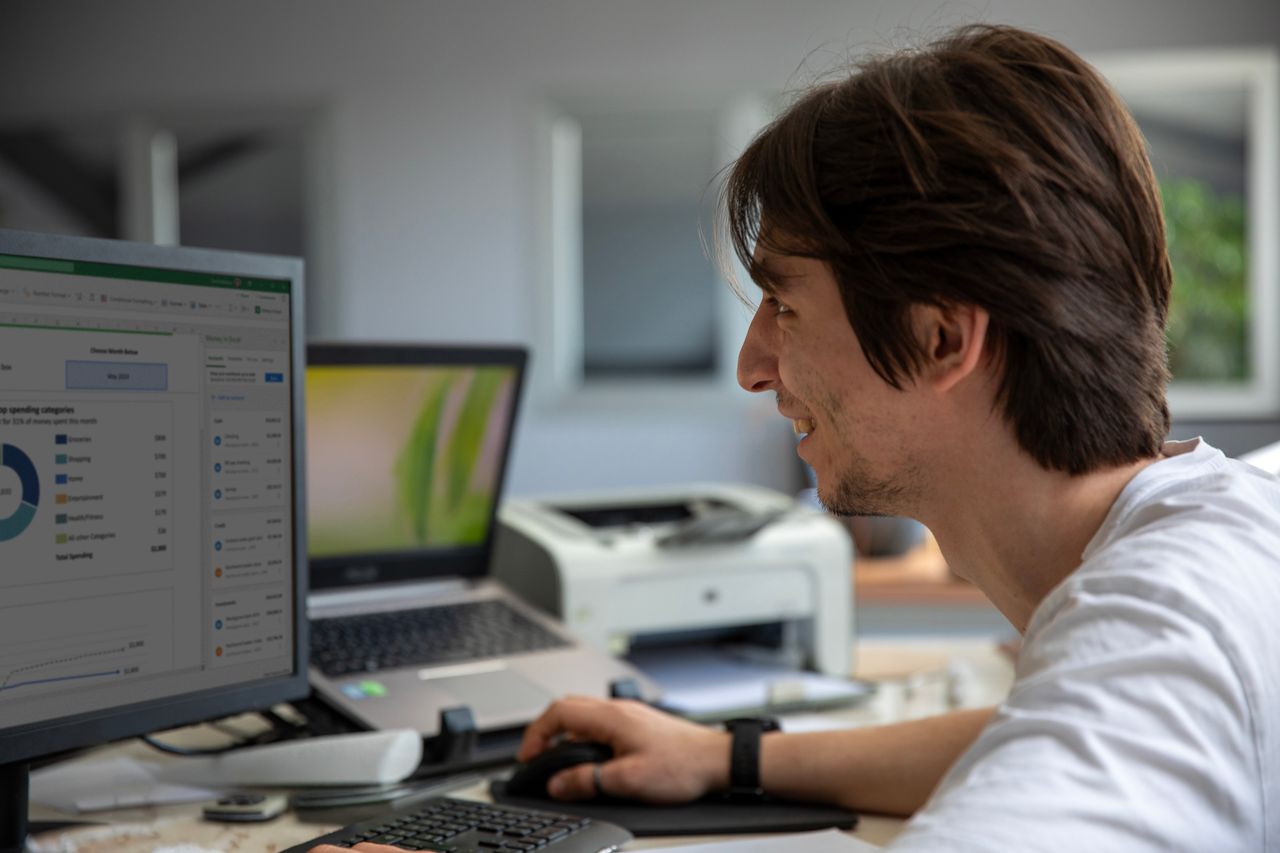
-
Review the results
Everything it touches is listed in your activity feed.
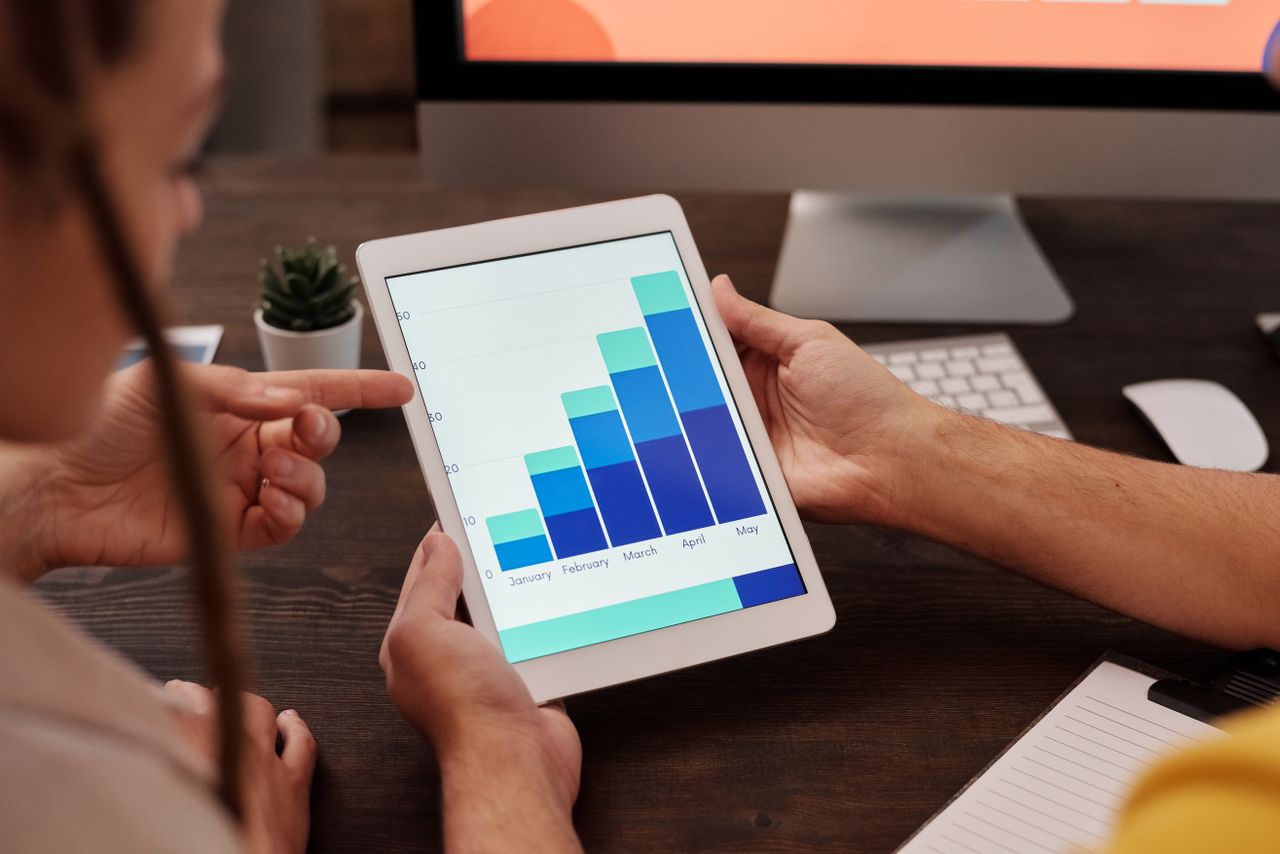
Key Benefits
Faster
Save time on manual work
More focus
Spend your effort on what matters most
More control
Every change is logged and reversible
Screenshots
Related Features
Release information
- Released
- October 3, 2026
- Version
- v1.8.0
- Type
- Patch
- Availability
- Pro and Enterprise
- Team
- Core product